AutoCAD Internship — Pro (2 Months)

About Course
Welcome to the AutoCAD Internship — Pro Tier by Synkoc IT Services.
- Duration: 2 Months
- Projects: 2 Projects
- Includes: 4 Mentor Sessions + Certificate
- Mode: Online (Remote)
- Certificate: Yes — issued on successful project evaluation
This internship provides hands-on experience in AutoCAD through a structured, mentor-guided program.
Course Content
Theory-Engineering drawing standards (ISO / ASME / BIS)
Theory-Sheet layouts, title blocks & standard scales (1:1, 1:2, 2:1)
Theory-Line types & weights — visible, hidden, centre, construction
LAB-Interface navigation — Ribbon, Application Menu & Status Bar; Autodesk Assistant (AI)
LAB-Workspace setup, UNITS & drawing LIMITS
LAB-Coordinate systems — Absolute, Relative Rectangular & Polar
Theory-Geometric construction — bisecting lines & angles
Theory-Dividing lines, regular polygons & tangency
Theory-Tangent arcs, loci & accuracy standards
LAB-1
LAB-2
LAB-3
Theory-Orthographic projection — vertical, horizontal & profile planes
Theory-First-angle vs third-angle projection — symbols & layout
Theory-Multi-view drawings (Front / Top / Side) from 3D components
LAB-4
LAB-5
LAB-6
Theory-Sectional views — cutting-plane lines & direction of sight
Theory-Section types — Full, Half, Offset, Revolved, Broken-out
Theory-Hatching for Cast Iron / Steel / Copper · 🎯 Milestone Project 1 — Flange Coupling
LAB-7
LAB-8
LAB-9
Theory-Dimensioning rules — unidirectional vs aligned
Theory-Limits, Fits & Tolerances — clearance, interference, transition
Theory-Introduction to GD&T symbols
LAB-Layer management — line weights, colours & types (LAYER)
LAB-Annotation — MTEXT, multi-leaders & dimensions (DIMLINEAR / ALIGNED / ANGULAR)
LAB-Dimension Styles & Text Styles (DIMSTYLE, ST)
Theory-Standardising components — fasteners, bearings & keys
Theory-Reading complex assembly drawings & BOM
Theory-Block & attribute workflow — best practices
LAB-Create & insert Blocks — Block (B), Insert (I)
LAB-2025 Smart Blocks — Search & Convert, Object Detection
LAB-Attributes & automated BOM via Data Extraction (ATTDEF)
Theory-Isometric projection vs isometric drawing
Theory-Isometric axes, scales & ellipses
Theory-3D primitives overview — Box, Cylinder & Sphere
LAB-Activate isometric drafting — ISOPLANE & ISOCIRCLE
LAB-2D isometric views with isometric circles
LAb-3D workspace, UCS & View Cube; primitives — Extrude (EXT), Revolve (REV)
Theory-3D solids vs 2D layout representation
Theory-Plotting standards & sheet sizes (A1–A4); model vs paper space
Theory-Cloud workflows — Autodesk Docs & Markup Import · 🏆 Final Project briefing — Knuckle Joint / Screw Jack
LAB-Boolean operations — Union, Subtract & Intersect
LAB-Generate 2D views from 3D — VIEWBASE & VPLAYER
LAB-Viewports, layouts & Page Setup Manager — PDF plotting
Theory-Final Project — requirements, drawing plan & standards
Theory-Revision — 2D drafting, modify & annotation commands
Theory-Revision — sectional views, blocks & 3D workflow
LAB-Final Project — part modelling & sectional views
LAB-Final Project — assembly, dimensioning & BOM
LAB-Final submission, PDF plotting & viva / portfolio review
Capstone Projects
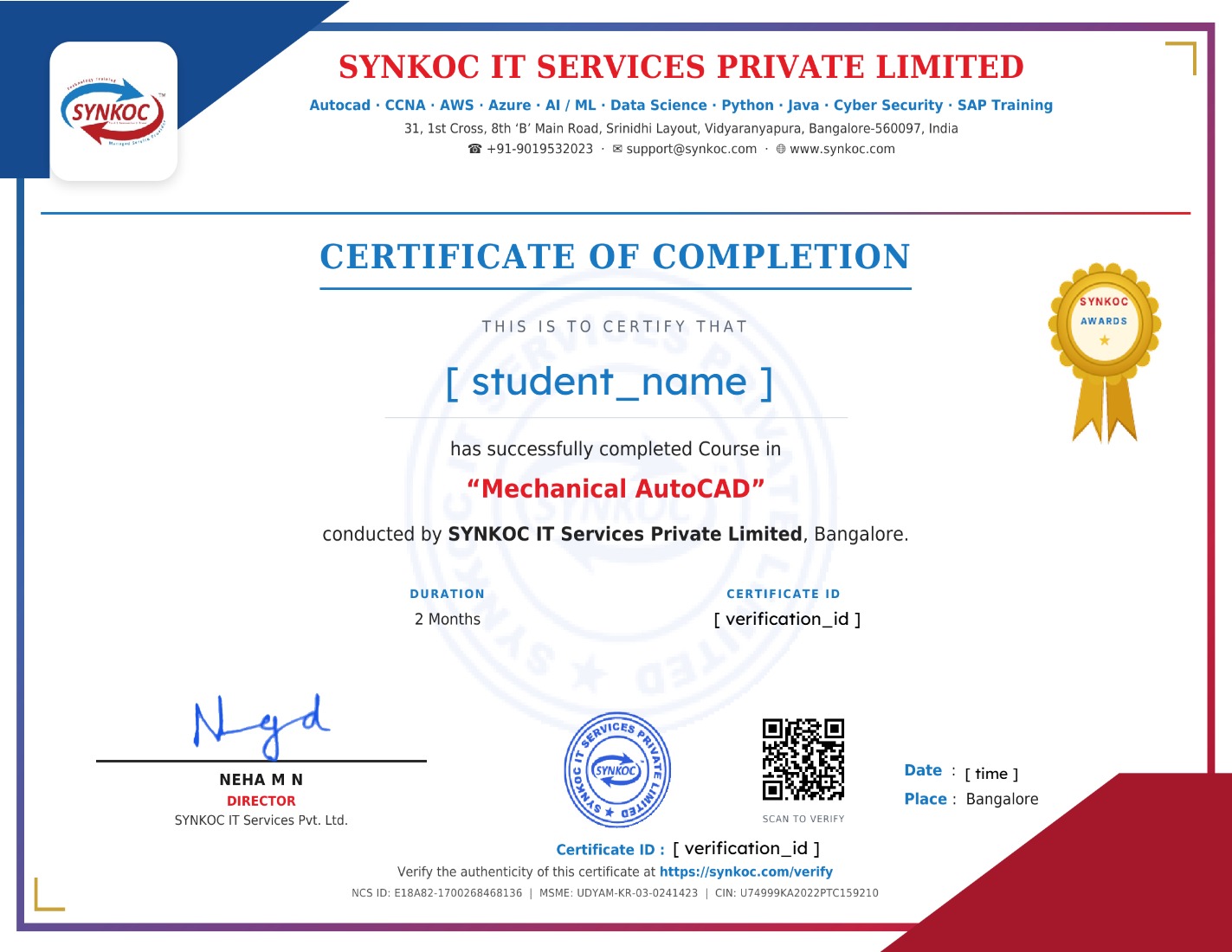
Earn a certificate
Add this certificate to your resume and LinkedIn to showcase your skills and achievements.
Student Ratings & Reviews

No Review Yet