
✨ NEW BATCH Starting Now — New Batch Every 7 Days. Starting ₹299.

Python Full Stack Internship — Core (1 Month)

Categories: Python Full Stack
Wishlist Share

About Course

Welcome to the Python Full Stack Internship — Core Tier by Synkoc IT Services.

  • Duration: 1 Month
  • Projects: 1 Project
  • Includes: 12 Mentor Sessions + Certificate
  • Mode: Online (Remote)
  • Certificate: Yes — issued on successful project evaluation

This internship provides hands-on experience in Python Full Stack through a structured, mentor-guided program.

Course Content

Day 1 — What is full stack development

  • What is full stack development
  • What is full stack development Lab
  • What is full stack development Quiz

Day 2 — Python basics

Day 3 — How the web works

Day 4 — HTML basics

Day 5 — What is a database

Day 6 — SQL basics, CRUD

Day 8 — What is a backend

Day 9 — Flask basics

Day 10 — What is an API

Day 11 — Building a JSON API in Flask

Day 12 — Version control with Git

Day 13 — GitHub and collaboration

Day 15 — Loops and collections

Day 16 — Functions and modules

Day 17 — HTML forms and tables

Day 18 — CSS basics

Day 19 — Filtering and sorting

Day 20 — Aggregation

Day 22 — Templates and static files

Day 23 — Forms and validation in Flask

Day 24 — Django REST Framework basics

Day 25 — Testing APIs

Day 26 — Branching and pull requests

Day 27 — Deploying a static site

Final Capstone Projects Submissions
Submit any 1 projects from the 3 given projects,multiple times in the form below until you achieve 100% accuracy. Note: Only submissions scoring 100% will be considered as final capstone projects and will be validated and approved by the mentor.

*📢 Python Full Stack Internship · Core: Watch this before Day 1*
Hello everyone! 👋Before your first lesson, please watch our *Student Guide: "Start here: How to Learn on Synkoc"* (about 39 minutes). It shows you, step by step, exactly how to learn on Synkoc, using Day 1 as the example.*What the guide covers:* ✅ Logging in at synkoc.com and opening your course ✅ Using the video player (speed, subtitles, seek) ✅ Doing the lab: your name, each task, and the *Check* buttons ✅ Using Chrome *DevTools* for Day 1, Task 2 ✅ The 5 kinds of lab: browser, Python, HTML/CSS, SQLite and *GitHub Codespaces* ✅ Running the checker for your Flask apps ✅ The quiz (pass mark 4/5) and your *daily log* (40+ words) ✅ *Mark as Complete* on all 3 lessons every day*Before you start, please keep ready:* 💻 A laptop or desktop (labs need a keyboard) 🌐 Google Chrome 🐙 A free GitHub account (github.com), needed from Day 9 🔁 The same browser all month (your lab work is saved in it)*Your daily routine:* 1⃣ Watch the video 2⃣ Do the lab until every task passes 3⃣ Take the quiz + write your daily log 4⃣ Mark all 3 lessons complete 5⃣ Join the *Saturday live session* with your questions⚠️ Always type your *full name exactly as registered*, in every lab and every time you run the checker. Never share completion codes; they are made from your name.👉 Find the guide in your course on synkoc.comIf you have any doubts, ask here or in the Question & Answer section of your dashboard.All the best! 🚀 *Team SYNKOC*

Earn a certificate

Add this certificate to your resume and LinkedIn to showcase your skills and achievements.
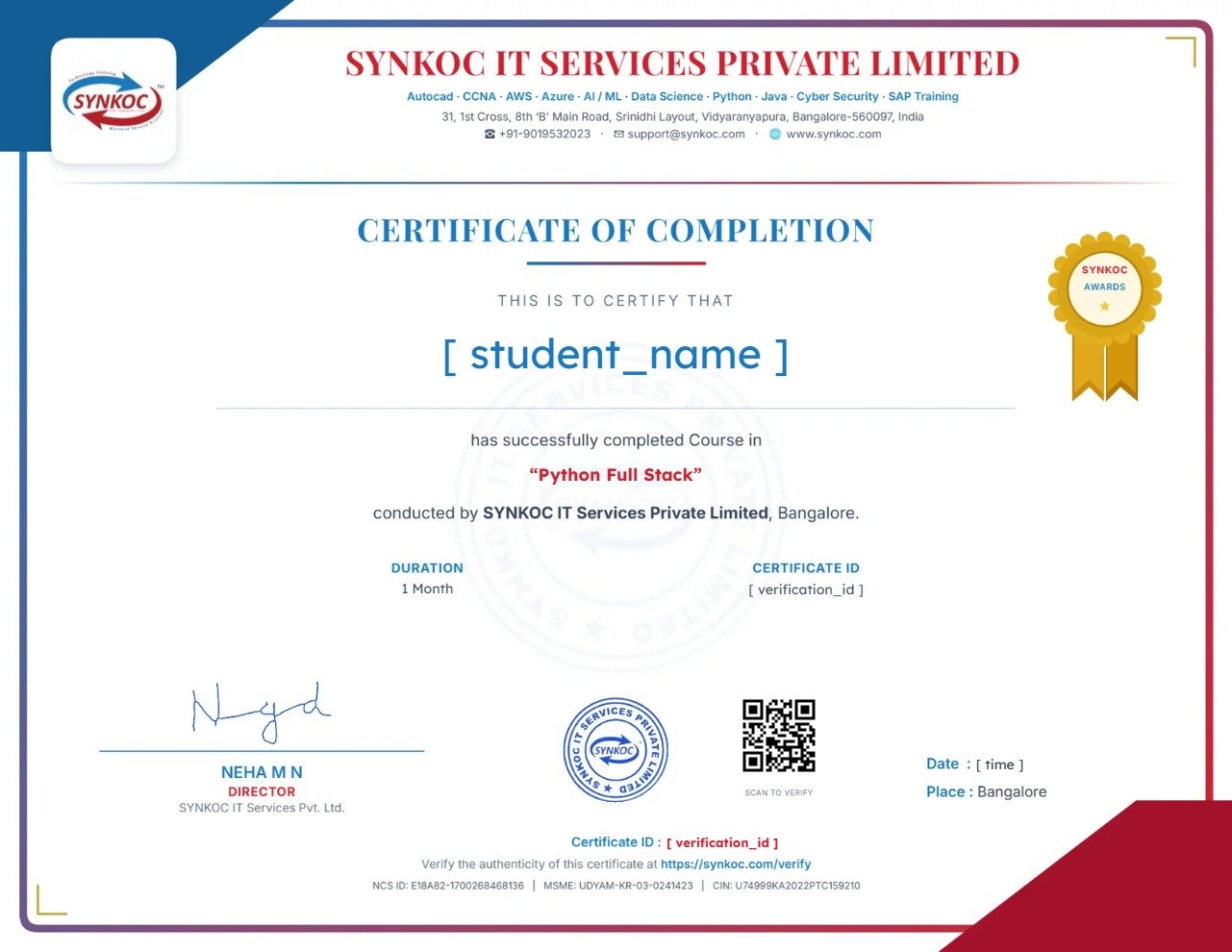
selected template

Student Ratings & Reviews

No Review Yet
No Review Yet

Want to receive push notifications for all major on-site activities?

✕